
 Hot
Hot
Kling 3.0 & 3.0 Omni
Synchronized audio-video generation with intelligent storyboarding and element reference - stronger consistency and more precise prompt adherence.
Model releaseTurn text, images, and references into multimodal creative content - cinematic video with native audio, 2K/4K images, and precise motion control.
VIDEO 3.0 and 3.0 Omni natively parse multimodal instructions and integrate across tasks - from long-form storyboard control to Native Audio, with dual binding of visual identity and vocal tone across complex multi-scene transitions.
Hot
Synchronized audio-video generation with intelligent storyboarding and element reference - stronger consistency and more precise prompt adherence.
Model release
Cinematic image generation with visual storytelling, image-sequence creation, batch optimization, and native 2K/4K output.
Model release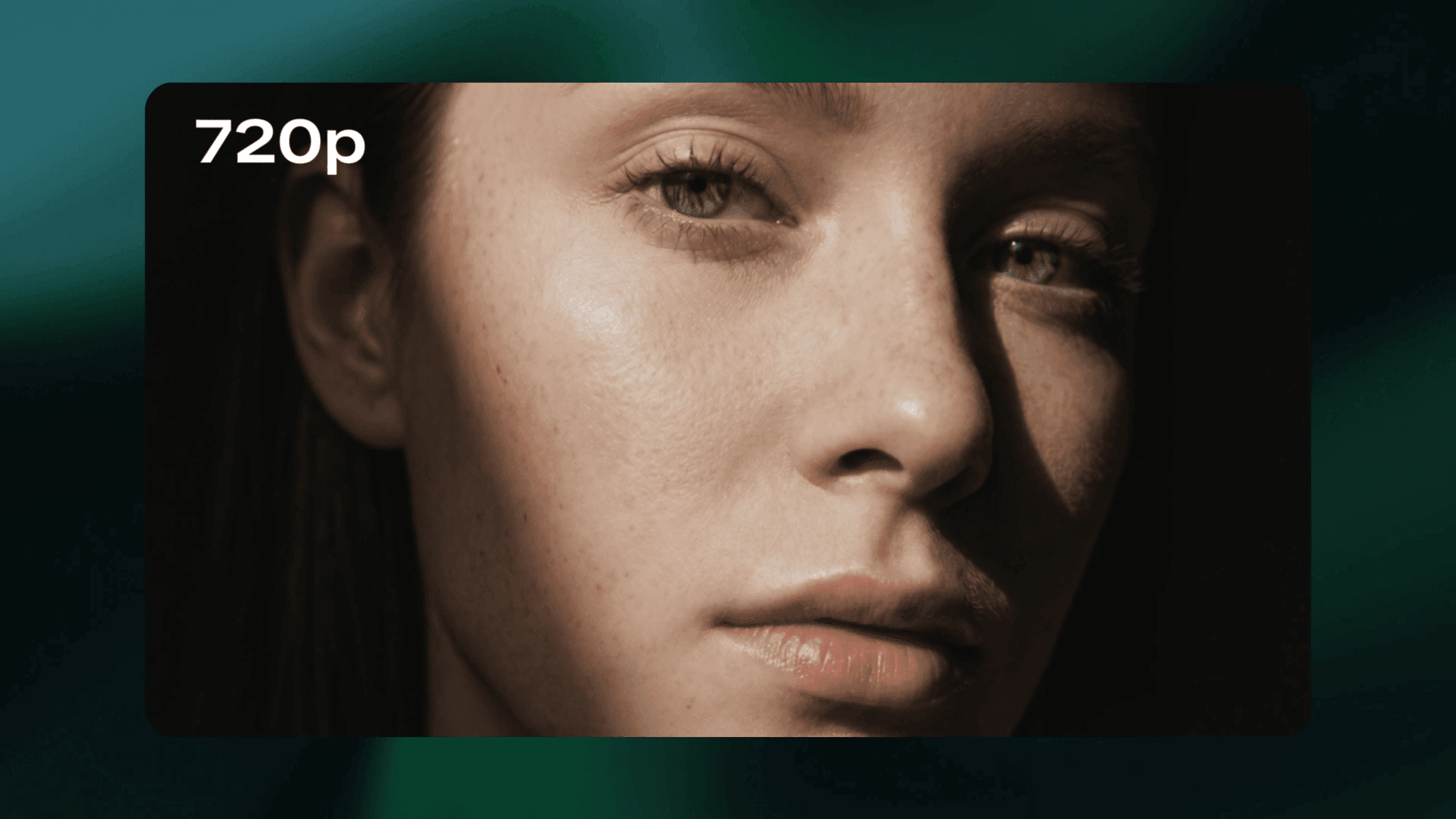
The world's first native 4K video model - film-grade visual quality built for commercial production standards.
Model release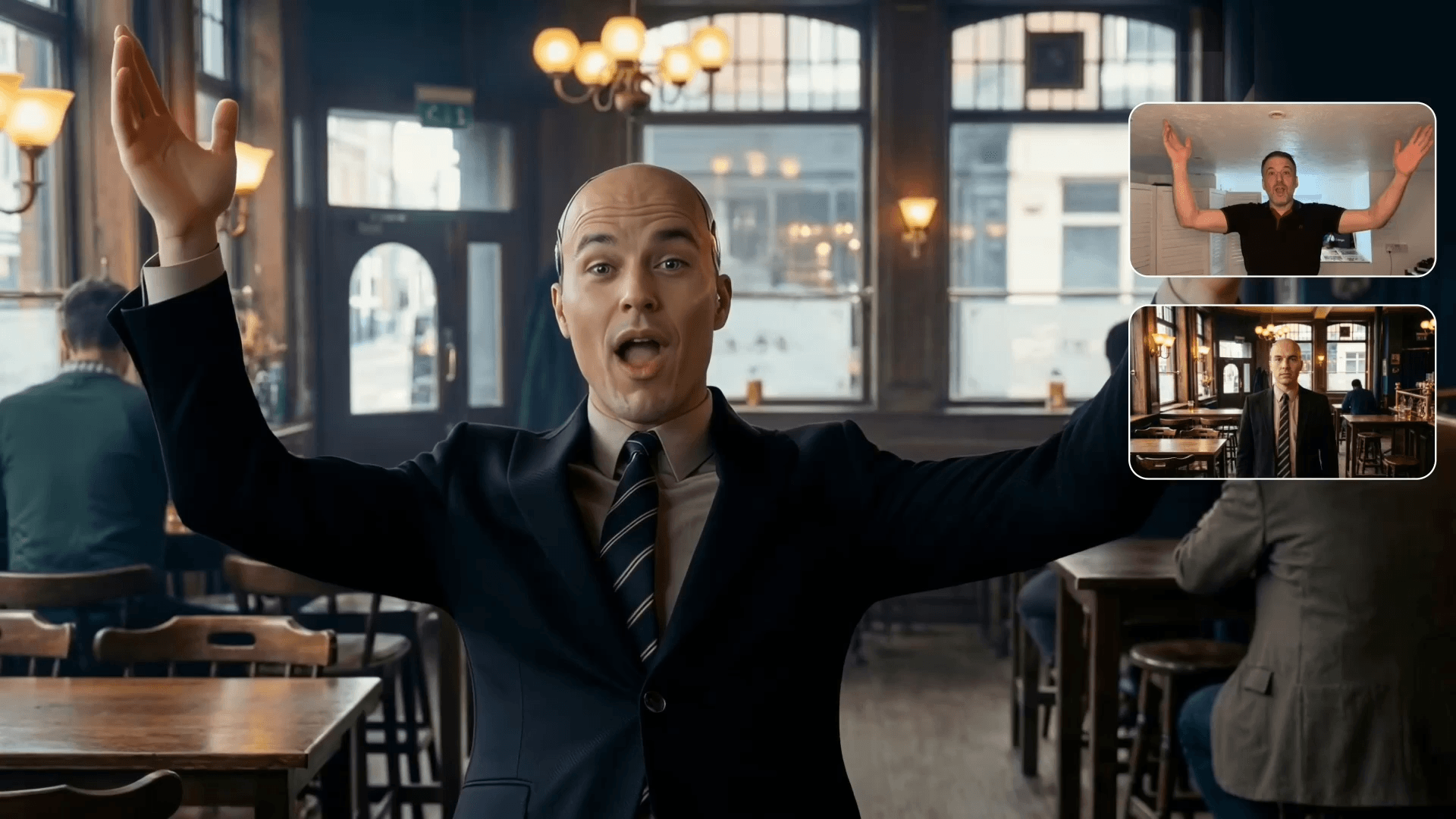
Recreate complex movement and accurate facial expression based on advanced motion-capture technology.
Model releaseGenerate, refine, and mix video, image, and sound in a single workflow - no juggling apps. Hover any card for a live preview.
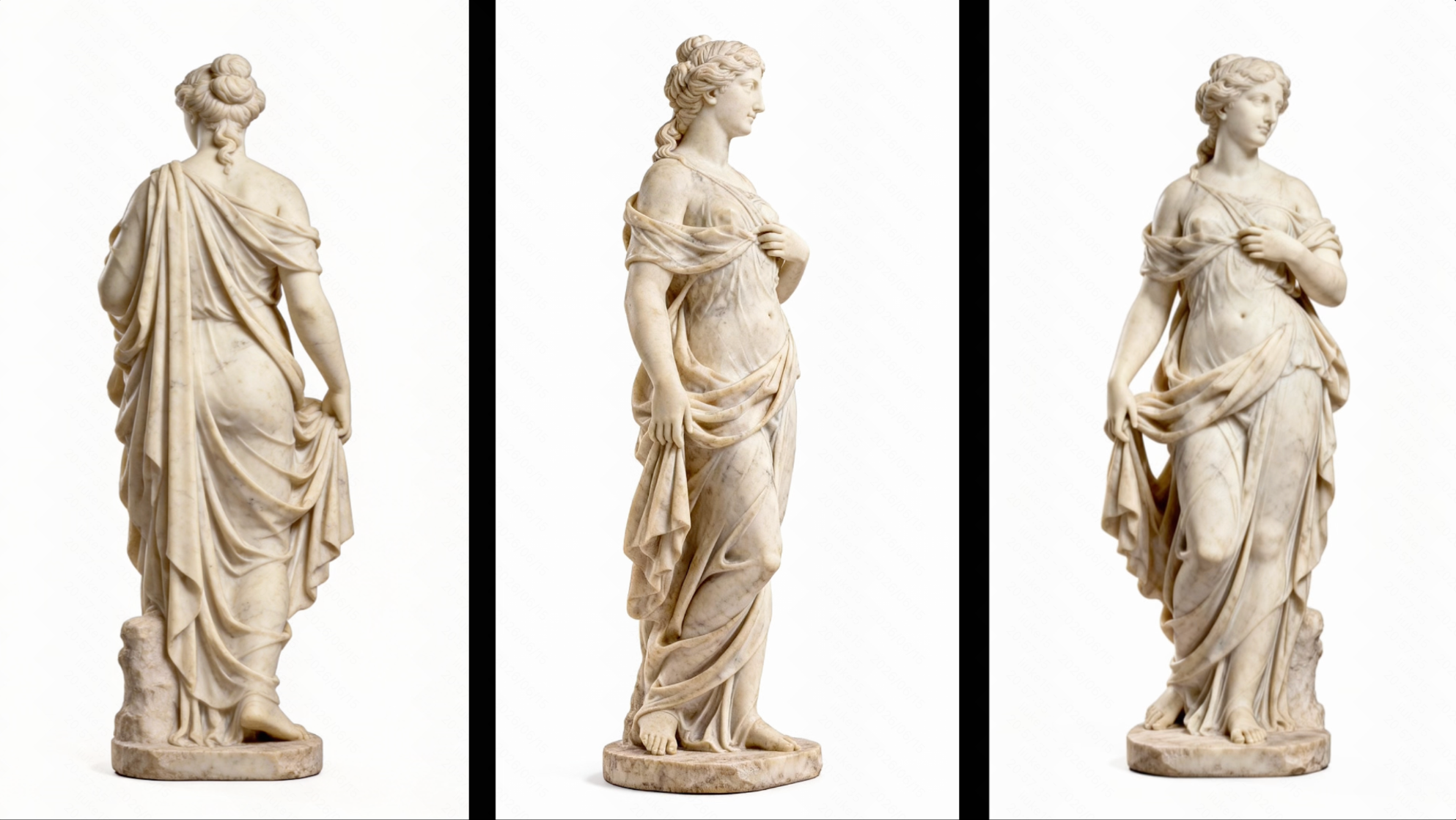
The unified multimodal workspace - multi-image reference, element reference, and video reference in one flow.
Open Omni →
Text-to-video and image-to-video with coherent structure, smooth motion, and production-quality visuals.
Generate video →Cinematic stills with control over framing, lighting, tone, and depth of field. Direct 2K and 4K output.
Generate images →Add sound effects and audio to your generations, or lean on Native Audio baked into video output.
Generate sound →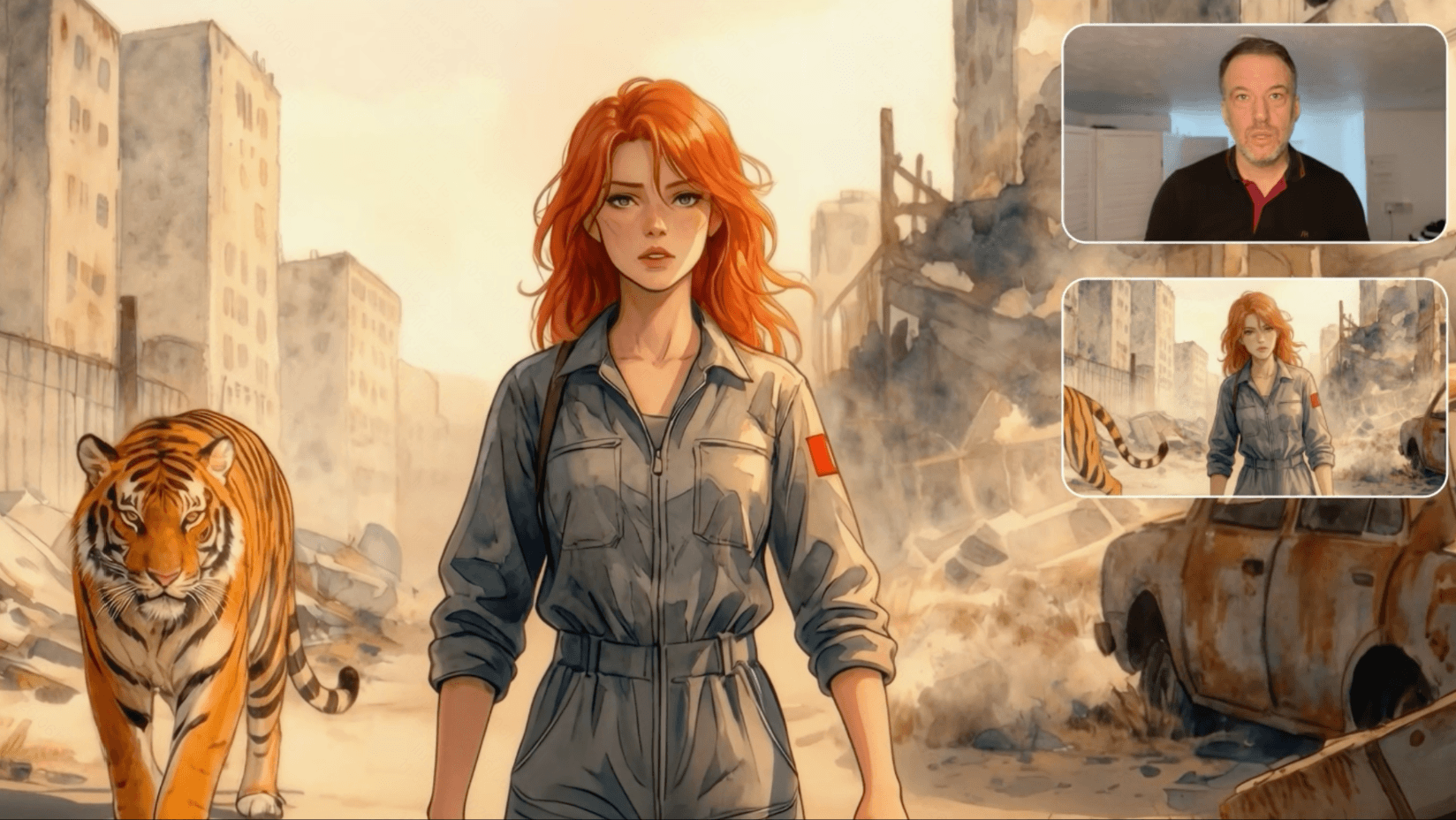
Capture character movement and facial expression to generate controllable, performance-driven videos.
Try Motion Control →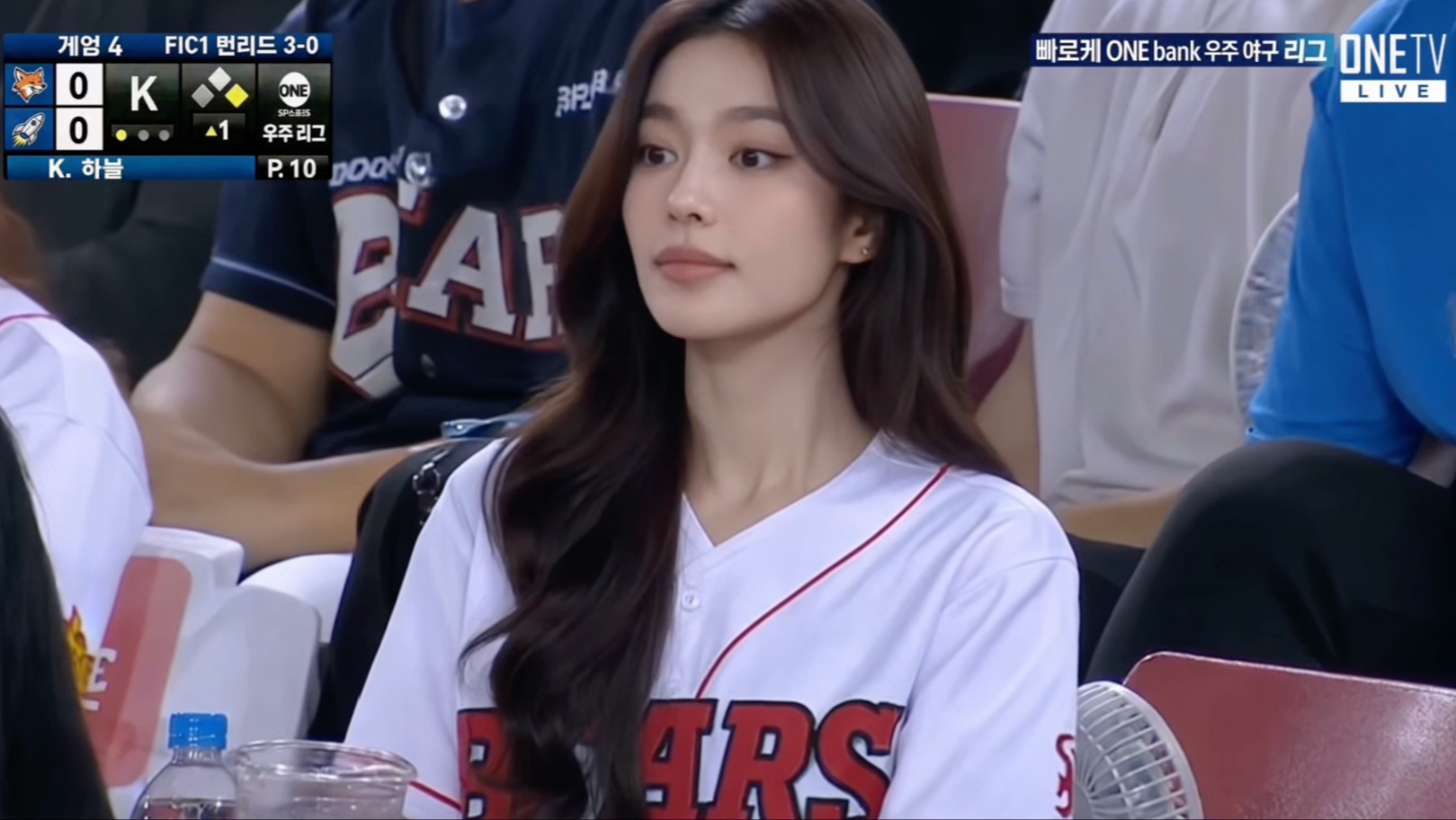
Apply trending effect templates in one click - including viral sports-event effects - or browse the full toolset.
All tools →Turn product images and copy into marketing video at scale. Multi-element reference keeps products faithful while models, scenes, and props change - across fashion, beauty, and consumer electronics.
Power rich visual experiences on every screen - image and video generation, avatars, and multimodal interaction for vehicles, phones, TVs, computers, and wearables.
Bring Kling's generation capabilities to AIGC tools and creator communities. Text, image, and multimodal references integrate into native workflows so teams ship high-quality content faster.
A stable, ready-to-use video engine beneath intelligent agents - multimodal generation plus task orchestration for design, marketing, and episodic storytelling agents.
Character consistency, precise camera control, and multi-scene generation streamline previs, VFX, and production - accelerating timelines and cutting visual development costs.
A library of Kling AI prompt examples - text-to-video, image-to-video, cinematic looks, camera movement, and realistic video - each paired with the footage it produced. Copy any prompt and remix it in the studio.
The camera passes through the coral cave from a first person perspective, at high speed
The man slowly floated up with his eyes closed, and the camera followed him up slowly, his limbs naturally
The girl is wearing a sun hat and pink glasses
Golden-hour city street. Slow dolly-in on a woman turning toward camera, anamorphic lens flare, shallow depth of field, warm rim light, 35mm film grain, cinematic color grade
Drone orbit shot circling a lone lighthouse on a cliff at dawn, gradual pull-back revealing the coastline, smooth stabilized motion, volumetric fog
Ultra-realistic macro shot: raindrops striking a green leaf in slow motion, natural overcast light, fine surface texture and water detail, native 4K clarity
Transfer the reference performance to the character: match facial expression and gesture timing, keep identity locked, soft key light, clean studio backdrop
A friendly spokesperson delivers the voiceover with natural lip sync, subtle head movement and blinking, eye contact with camera, soft office lighting, medium close-up
Two workflows cover most of what people make with Kling: generating video straight from text, and bringing a still image to life. Here's how each one works.
Turn a written idea into a finished clip with the text-to-video workflow.
Go to kling.ai, sign in, and open Video Generation - or use Omni if you want to mix references, images, and audio in one flow.
Choose Kling 3.0 or 3.0 Omni for the strongest consistency and native audio, or 3.0 Turbo when speed and cost matter most.
Follow the formula: subject + action + scene + camera + lighting + style. Grab a starting point from the prompt library above and remix it.
Pick aspect ratio, clip duration, and resolution - up to native 4K - and toggle Native Audio for synchronized sound.
Run the generation and compare results. Small prompt edits (a different camera move, a lighting change) often make the biggest difference.
Extend the clip, add lip-sync or sound effects, apply an effect template, then download your final video.
Use a still photo or artwork as the visual anchor, and describe only the motion.
In the studio, switch to the Image-to-Video tool (frame mode) - or start in Omni to combine several reference images.
Add the still you want to animate as the start frame. Optionally add an end frame to steer where the motion lands.
The image carries identity and style, so keep the prompt short and focus on movement - what the subject does and what the camera does, described separately.
For precise performance, attach a reference video - Motion Control transfers its movement and facial expression onto your character.
Set duration and resolution, then run it. The model keeps the subject and style consistent while adding smooth, time-coherent motion.
Adjust the motion description, extend the clip, or add sound - then download the finished animation.
Kling's motion toolkit gives you director-level command over movement - transfer a real performance onto any character, steer the camera with shot language, and paint motion exactly where you want it.
Built on advanced motion-capture technology, Motion Control extracts a person's movement and expression from a reference video and drives your still-image character with it - recreating complex actions with precise, controllable output while identity stays locked.
The same capture pipeline reads facial performance - expression timing, mouth shapes, eye and head movement - and reproduces it accurately on the target character, so a nuanced take survives the transfer, not just the broad gesture.
Direct the virtual camera with real shot vocabulary in your prompt - describe the move, the speed, and the framing, and Kling 3.0 executes it with smooth, stabilized motion across the whole clip.
Paint directly on your start image to choose what moves, then draw a path to define how it moves. Motion Brush pins the rest of the frame in place while the selected element follows your stroke - ideal for animating one subject in a busy scene.
Pair any still - a photo, an illustration, a product mascot - with a reference clip. Motion Control maps the movement onto the character, keeping proportions and style consistent while the acting comes through.
Use Motion Control in the web studio, or wire it into your pipeline through the Motion Control API - the same capture and transfer capability, ready for batch and product workflows.
Upload the still image you want to animate - Kling locks its identity and style.
Attach a reference performance video, paint a Motion Brush path, or write the camera move in your prompt.
Kling transfers movement, expression, and camera direction into a smooth, consistent clip - regenerate to refine the take.
Access the video and image generation models through a secure, reliable API - or scale content without writing a line of code. The full Kling 3.0 series is available via API.
For developers and enterprises. Integrate leading image and video generation into products and workflows through enterprise APIs - secure, scalable, and built for compliance.
For enterprise teams. No API integration needed - use Kling's creative tools to scale content production with enterprise-ready procurement, asset management, and compliance support.
# Generate a video from text with Kling 3.0 Omni
POST /v1/videos/text2video

{
  "model": "kling-3.0-omni",
  "prompt": "A first-person dive through a coral cave, high speed",
  "resolution": "4k",
  "native_audio": true
}
Kling AI is built as an AI video generator for business - from ad creatives to product demos. Here's how copyright, ownership, and commercial use fit together.
Rights in generated content are defined by Kling's Terms of Use and your plan. In general, you're responsible for the inputs you provide - use images, references, and audio you own or are licensed to use - and the platform's terms set out how you may use the outputs you create.
Videos and images you generate under an eligible paid plan are intended for ongoing use without per-view or per-placement royalties owed to Kling - publish them across web, social, and ad channels according to your plan's terms.
Commercial-use rights are tied to membership tiers. Paid creator, team, and enterprise plans are designed for commercial projects, while enterprise agreements add procurement, asset management, and compliance support for larger organizations.
Enterprise API service is built with data compliance in mind, and content policies restrict misuse - protecting brands that ship Kling-generated media at scale. Avoid third-party trademarks, celebrity likenesses, and copyrighted characters in your inputs.
Premium TVCs and performance ad variants with coherent multi-shot brand storytelling.
One-click product showcases with high-fidelity reproduction and scene replacement.
Campaign content at scale for fashion, beauty, gaming, and consumer electronics.
Batch-produce listing videos and social clips in every aspect ratio your channels need.
From YouTube channels to agency client work, Kling-generated video is designed to be published, sold, and monetized - here's how creators and businesses put it to work.
Creators publish Kling-generated content on ad-supported channels. Monetization is governed by YouTube's own policies - including its rules on AI-generated and "inauthentic" content and its altered-content disclosure requirements - so pair an eligible Kling plan with compliance on the platform side.
Agencies and freelancers deliver Kling-made ad creatives, product videos, and social content to clients. Commercial-use rights follow your plan's terms - teams and studios can use team or enterprise plans for collaboration, asset management, and procurement.
Sell finished videos as commissioned work or packaged content under a plan that permits commercial use. If you distribute through stock or content marketplaces, check that marketplace's own AI-content policy too - acceptance rules vary by platform.
Output generated under an eligible paid plan is intended for ongoing use without per-view or per-placement royalties owed to Kling - reuse the same asset across campaigns, channels, and formats per your plan's terms.
The AI video landscape moves fast. Here's how Kling 3.0 compares with the leading alternatives as of mid-2026 - each has real strengths, and the right pick depends on the job.
| Model | Native audio | Top resolution | Known for | Where Kling differs |
|---|---|---|---|---|
| Kling AIKling 3.0 · 3.0 Omni · 3.0 Turbo | ✓ Native Audio | Native 4K | High-motion scenes, element reference, smart storyboarding, motion control, strong subject consistency | - the baseline for this table |
| OpenAI SoraSora 2 | ✓ | Up to 1080p | Narrative concepting, polished visual mood, realistic physics; access has been shifting through 2026 | Kling offers native 4K, motion control, and a stable web/app/API product for commercial pipelines |
| Google VeoVeo 3 / 3.1 (Flow) | ✓ (dialogue, ambient, music) | Native 1080p | Premium cinematic realism and brand-safe output, strongest inside Google Cloud / Gemini workflows | Kling delivers higher native resolution (4K), element reference, and effects templates without a Google-stack dependency |
| RunwayGen-4.5 | Partial (separate audio tools) | 1080p (upscaling available) | Best-in-class editing environment - camera direction, generative editing, full production toolkit | Kling focuses on generation quality: native 4K + native audio in one pass, plus motion control and avatars |
| PikaPika 2.5 | Partial (sound effects) | 1080p | Fast, stylized, effect-driven social clips; friendly free tier | Kling targets cinematic realism, consistency, and commercial-grade output at higher fidelity |
| LumaDream Machine 2.0 / Ray3 | Partial | 1080p | Depth, spatial coherence, and room volume - strong 3D-aware feel | Kling adds native audio, 4K output, and reference-driven identity control for multi-shot work |
| Hailuo (MiniMax)Hailuo 02 / 2.3 | Limited | 1080p | Strong value pick - good clip quality at low cost for high-volume social production | Kling trades a bit of price for native 4K, native audio, and stronger consistency controls |
| PixVerseV6 | ✓ | Native 1080p | 20+ cinema camera controls, multi-shot engine, stylized effects and transitions | Kling counters with native 4K, motion-capture-grade motion control, and a broader image + audio studio |
| Seedance (ByteDance)Seedance 2.0 · 2.5 rolling out | ✓ (stereo, lip sync) | 2K (4K announced for 2.5) | Multi-reference @-tagging (images, video, audio), frontier arena scores; steeper learning curve, API in flux | Kling pairs comparable reference power (Omni) with a mature, stable product, simpler prompting, and shipping 4K |
| Wan (Alibaba)Wan 2.2 – 2.7 family | ✓ (from Wan 2.5) | Up to 1080p | Open-source roots - self-hostable, very cost-efficient, improving fast across the family | Kling offers a managed studio, native 4K, effects templates, and enterprise compliance out of the box |
Specs reflect publicly reported capabilities as of mid-2026 and change frequently as models ship new versions - treat this as a starting map, not a spec sheet, and verify against each vendor's current documentation. Ready to judge for yourself? Run the same prompt in Kling →
Use Kling AI online with no download, or install the app on PC, Mac, iPhone, and Android. Every option below links to an official channel, with a quick install guide for each.
Join creators and enterprises building with the Kling 3.0 series today.